Glance
Every 20 minutes, look at something 20 feet away for 20 seconds. Glance reminds you, gently, and waits when you are on a call.
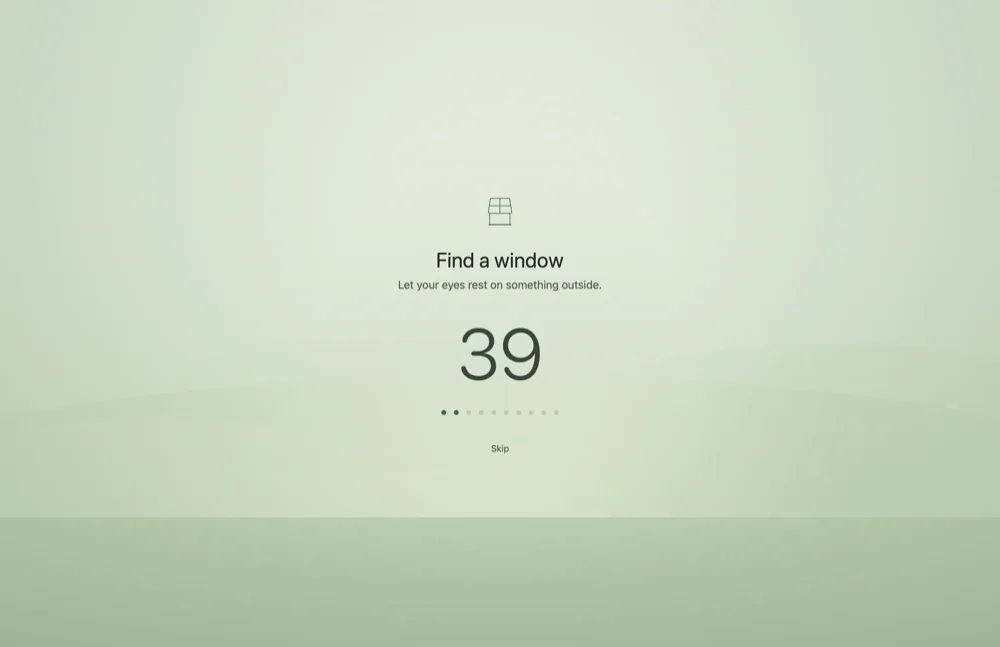
Find a window
Let your eyes rest on something outside.
Smart Pause
Quiet when it matters
A reminder in the middle of a call is worse than no reminder. So Glance holds the break, and never drops it.
- Your camera is on Glance reads the camera's on or off flag. It never sees the picture.
- You present or share Mirrored displays and slideshows hold the break.
- Your chosen apps Pick the apps that always mean "not now".
- You step away After a few minutes away, the timer starts over. Away is already rest.
The held break comes about 30 seconds after the call ends. You get one break back, not a stack of missed ones.
Why green
A colour chosen for your eyes
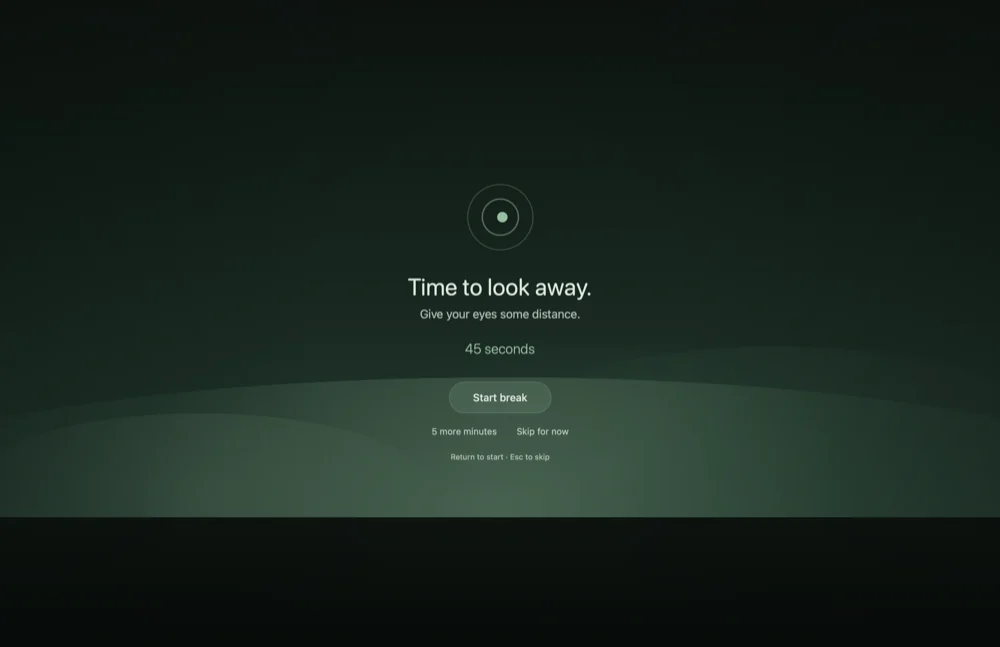
A break fills the whole screen, so its colours come from studies of visual comfort, not from a brand book.
- Match the room A big jump in brightness, up or down, is what strains the eye. So the break follows your system appearance: light by day, dark at night. Source
- Light suits most eyes Dark text on a light ground reads faster and causes less blur for people with astigmatism. Source
- Green, on purpose A 2025 study found a light green ground lowered fatigue and helped reading, compared with white. Source
- Not about blue light A review of 17 trials found blue-light filters make no clear difference. Distance and blinking do. Source
<1%of one CPU core while you work
1.5%during a break, with Reduce Motion on
0permissions to grant. Nothing leaves your Mac.
Install Glance
- Download the disk image. Open it and drag Glance to your Applications folder.
- Open Glance. It is not notarized by Apple, so macOS stops it the first time. Close the warning.
- Open System Settings › Privacy & Security, find the message about Glance, and click Open Anyway. You do this only once.
- A ring appears in the menu bar. It fills as your screen time adds up.
To start Glance when you log in, turn on Settings › General › Start Glance at login. Press Return to start a break, or Esc to skip it.