Formzeit
A quiet clock screensaver for the time your Mac sits idle. Five clock faces, nine colours, and a dial that changes with the time of day.
Alive
Pick how it ticks
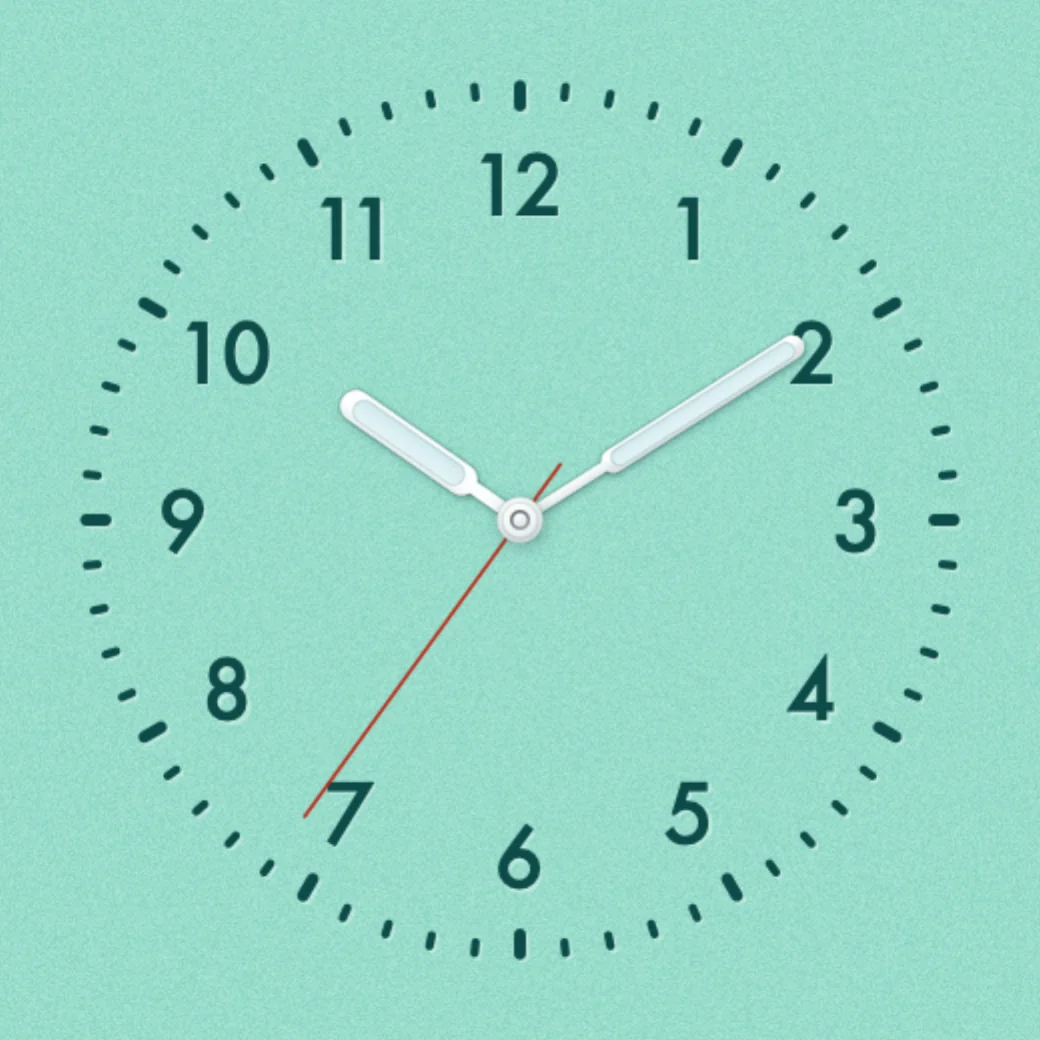
This is the Bauhaus face, running on your time. Choose how the second hand moves, as in the screensaver options.
Drag to preview the time of day. From 22:00 to 07:00 the dial turns dark, and the numbers and hands glow.
Five faces
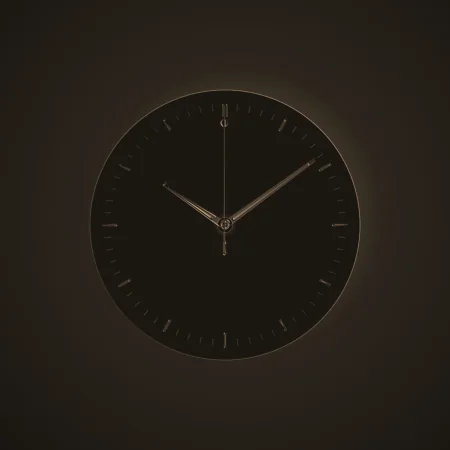
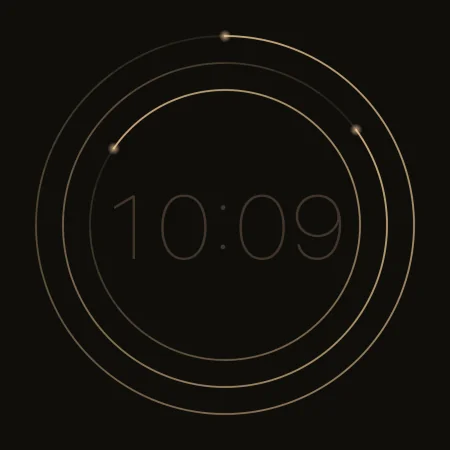
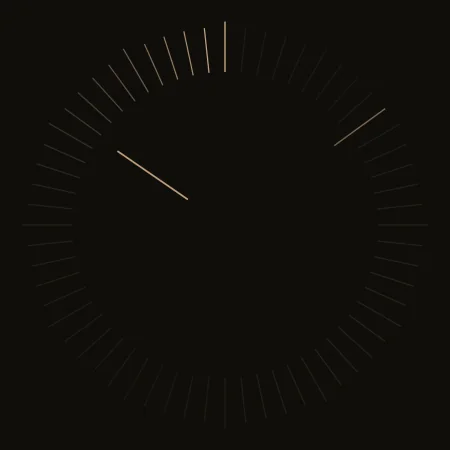
One clock, five characters
Pick a face in the screensaver options. A live preview shows each change.
Day and night
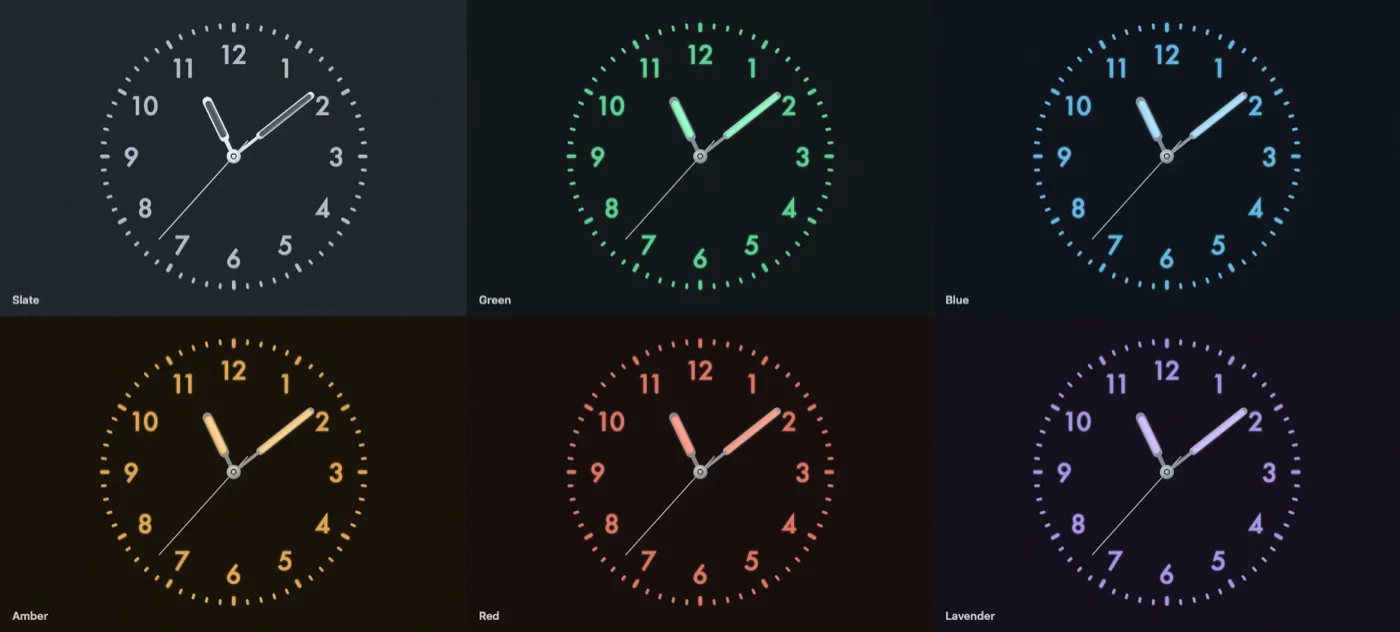
Six ways to glow
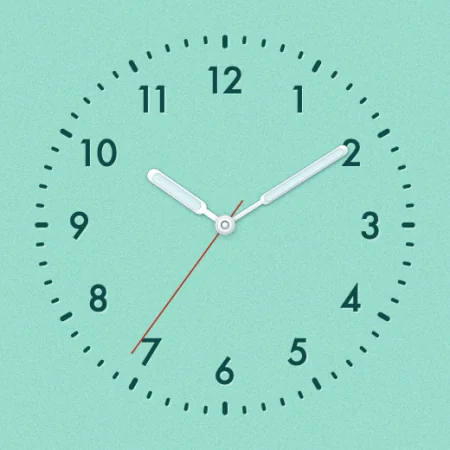
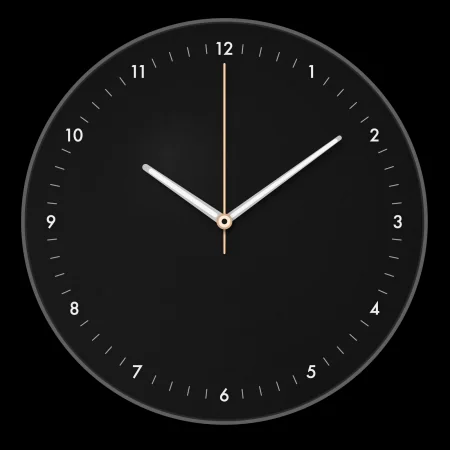
Turn on Follow the day, and the dial changes with the time. From 10 pm to 7 am (22:00 to 07:00), Bauhaus moves to a dark dial. On the glow colours, the numbers and hands glow.
Details
The small things
- Three ways to tick A small bounce each second (Quartz), a firm step (Mechanical), or a smooth sweep.
- Presets One click sets a face and its colours. Eight ready-made looks.
- Second-hand colour Each colour gets its own second hand, or pick one of six.
- Safe for your screen The clock drifts slowly and dims after a long time, to prevent burn-in.
- 12 or 24 hours Choose the format in the options.
- Private No accounts and no analytics. Formzeit does not connect to the internet.
Install Formzeit
- Download the zip. Double-click it to unzip it.
- Double-click Formzeit.saver. macOS asks if you want to install it for this user only or for all users. Click Install.
- Open System Settings › Screen Saver and select Formzeit. On macOS 12, open System Preferences › Desktop & Screen Saver.
- Click Options… to choose a face and colours.
You can also build it from source with the Xcode Command Line Tools. See the README.